If you sell products online, Google Shopping ads are often the most direct way to reach buyers. Instead of a line of text, shoppers see your product's photo, price and store name right in the search results, before they ever click. That means the people who click already know what you sell and what it costs.
The catch is that Shopping ads don't run on clever ad copy. They run on your product data. Here's how to set them up properly and keep them running.
How Shopping Ads Work
Shopping ads are built from a product feed you send to Google Merchant Center. Google reads each product's title, description, price, image and other details, then decides which searches the product is relevant for. You don't choose keywords the way you would in a search campaign.
That changes where your effort goes. In a search campaign you work on keywords and ads. In Shopping, the feed is the campaign. Better titles and cleaner data mean your products show for the right searches at the right price.
Set Up Merchant Center Properly
- 1
Create and verify Merchant Center
Add your business information, verify and claim your website, and set up shipping and return policies so Google can show accurate details.
- 2
Connect your product feed
Most ecommerce platforms, including Shopify and WooCommerce, can sync products to Merchant Center automatically. Larger catalogs may use a scheduled file or a feed tool.
- 3
Fill the required attributes
Every product needs an ID, title, description, link, image link, availability and price, plus brand for new products and a GTIN or MPN where one exists.
- 4
Link Merchant Center to Google Ads
Approve the link in both accounts so your campaigns can use the feed.
- 5
Set up conversion tracking
Track purchases and their value in Google Ads before spending real money, so you can see which products earn their keep.
Price and availability must match your product page exactly, including sale prices. A mismatch is one of the most common reasons products get disapproved.
Write Titles That Match How People Search
The title is the single biggest lever you control. Google allows up to 150 characters, but only the first part shows in most placements, so put the important words first.
Apparel
- Weak title
- Trail Explorer
- Stronger title
- Northpeak Women's Waterproof Hiking Boots, Leather, Brown, Size 8
Home goods
- Weak title
- Morning Mug
- Stronger title
- Stoneware Coffee Mug 16 oz, Matte White, Dishwasher Safe
Electronics
- Weak title
- Pro Charger X
- Stronger title
- 65W USB-C Laptop Charger, Fast Charging, Foldable Plug
| Product type | Weak title | Stronger title |
|---|---|---|
| Apparel | Trail Explorer | Northpeak Women's Waterproof Hiking Boots, Leather, Brown, Size 8 |
| Home goods | Morning Mug | Stoneware Coffee Mug 16 oz, Matte White, Dishwasher Safe |
| Electronics | Pro Charger X | 65W USB-C Laptop Charger, Fast Charging, Foldable Plug |
Lead with the brand and product type, then add the attributes shoppers filter by: size, color, material, capacity, model number. Keep the title accurate to the product page, and avoid promotional text like "best price" or "free shipping" in the title.
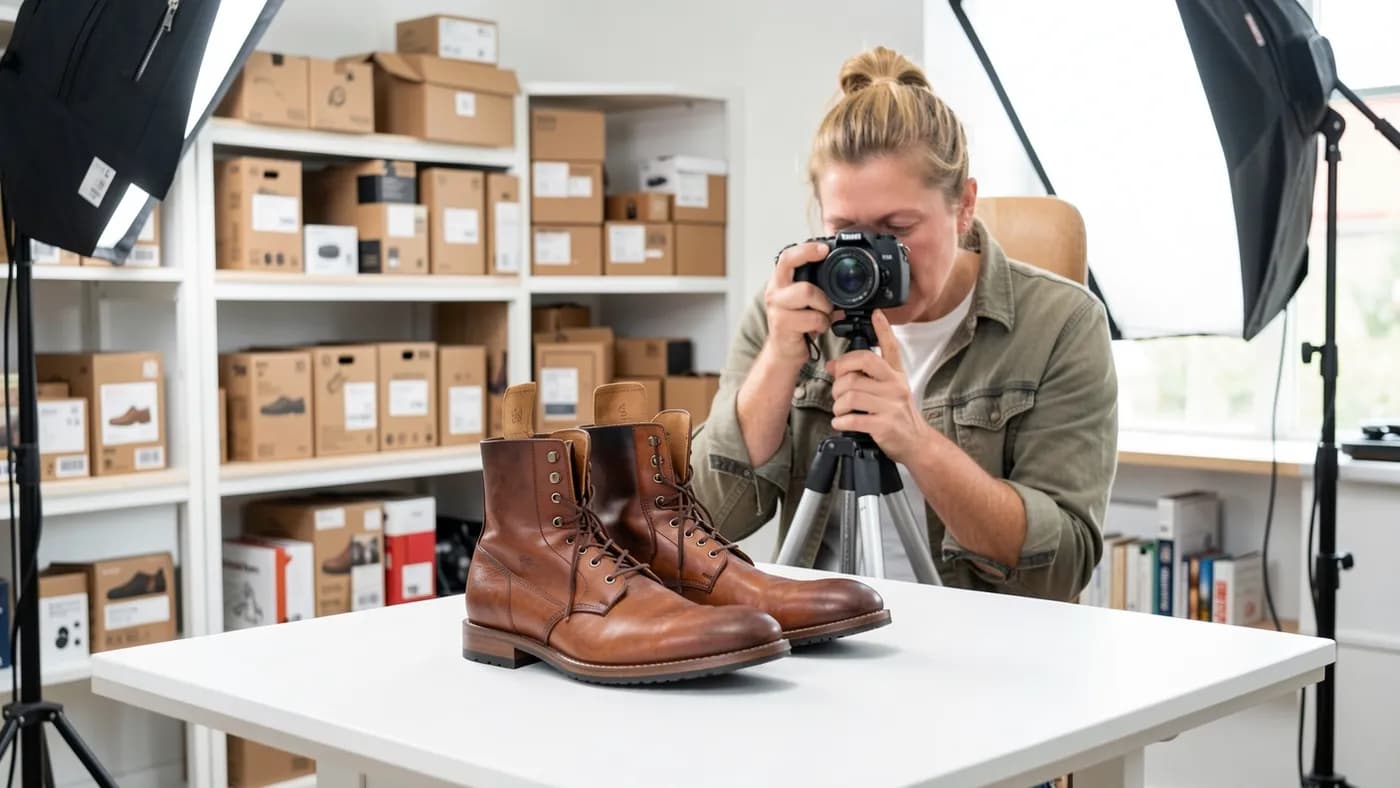
Good images matter just as much. Use a clear photo of the product on a plain background, with no added text, watermarks or borders.
Are your products showing for the right searches?
Get a free review of your Merchant Center feed, titles and Shopping campaigns.
Standard Shopping or Performance Max?
Both campaign types use the same Merchant Center feed. The difference is how much control you keep.
Where ads show
- Standard Shopping
- Google search and the Shopping tab
- Performance Max
- Search, Shopping, YouTube, Display, Gmail and Maps
Control
- Standard Shopping
- You set bids and see search terms by product
- Performance Max
- Google automates bids, placements and creative
Reporting
- Standard Shopping
- Clear product and search term data
- Performance Max
- Less detail on where spend goes
Best for
- Standard Shopping
- Starting out, smaller budgets, tight margins
- Performance Max
- Scaling once conversion data is reliable
| Feature | Standard Shopping | Performance Max |
|---|---|---|
| Where ads show | Google search and the Shopping tab | Search, Shopping, YouTube, Display, Gmail and Maps |
| Control | You set bids and see search terms by product | Google automates bids, placements and creative |
| Reporting | Clear product and search term data | Less detail on where spend goes |
| Best for | Starting out, smaller budgets, tight margins | Scaling once conversion data is reliable |
For most stores, start with a standard Shopping campaign. Split products into groups by category, margin or best sellers, so you can bid more on what's profitable and less on what isn't. Once you have steady sales tracked for a month or two, test Performance Max alongside it.
Fix Disapprovals Before They Cost You
Weekly Merchant Center check
- Open Diagnostics and review any disapproved or limited products
- Fix price and availability mismatches at the source, not just in the feed
- Add missing GTINs only from the manufacturer, never guessed
- Replace images that are blocked, too small or have added text
- Confirm shipping and return settings still match your policies
Free listings come with the same feed
A well-kept Merchant Center feed can also show your products in free listings on Google, at no cost per click. It won't replace paid campaigns, but it's extra visibility from work you've already done.
Once the feed is healthy, review the search terms report in standard Shopping every week and add negative keywords for searches that never convert. Then adjust bids by product group based on what actually sells.
The Bottom Line
Google Shopping ads reward stores with clean, accurate product data: a verified Merchant Center account, titles written the way shoppers search, matching prices and availability, and conversion tracking from day one. Start with standard Shopping, add Performance Max when your data is solid, and check diagnostics every week. Our PPC management starts from $399 a month plus setup, and our Shopify development team can clean up the store data your feed depends on. New to paid search? Start with our guide to Google Ads for small business.