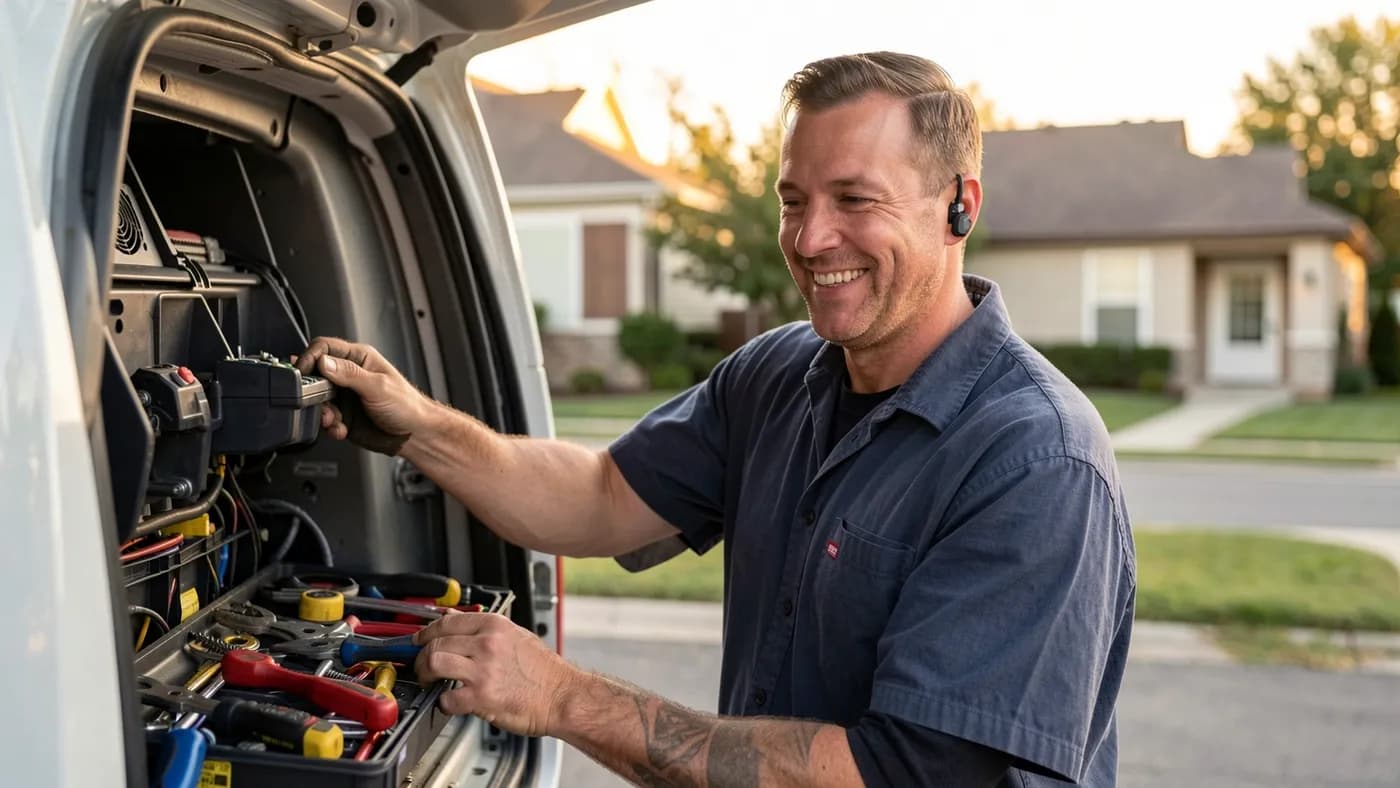
Every service business has the same leak: the phone rings while you're on a roof, under a sink, or asleep. A caller who reaches voicemail often just calls the next company on the list. An AI receptionist is one of the simplest ways to plug that leak, as long as you set it up with clear limits.
Here's what these tools actually do, where they fall short, and how to set one up without frustrating your customers.
What an AI Receptionist Does
An AI receptionist answers your phone line with a conversational voice instead of a recorded menu. Callers speak normally, and the system understands the request and responds. Depending on the platform and how it's set up, it can:
- Answer common questions: hours, service areas, prices you choose to share, what to do in an emergency
- Collect the caller's name, number, address and what they need
- Book, move or cancel appointments in your calendar
- Send a confirmation text after the call
- Transfer urgent or complex calls to a person
- Log every call, with a transcript and summary, in your CRM
It doesn't replace your judgement. It follows the script, knowledge and rules you give it.
Where It Helps Most
Call type
- Good fit
- After-hours, overflow, routine questions
- Poor fit
- Complaints, sensitive or emotional calls
Business
- Good fit
- Home services, clinics, salons, agencies
- Poor fit
- Businesses where every call needs a specialist
Goal
- Good fit
- Never miss a lead, book faster
- Poor fit
- Cut all human contact
Setup
- Good fit
- Calendar and CRM connected
- Poor fit
- Standalone, with no follow-up
| Good fit | Poor fit | |
|---|---|---|
| Call type | After-hours, overflow, routine questions | Complaints, sensitive or emotional calls |
| Business | Home services, clinics, salons, agencies | Businesses where every call needs a specialist |
| Goal | Never miss a lead, book faster | Cut all human contact |
| Setup | Calendar and CRM connected | Standalone, with no follow-up |
The biggest wins come from calls you currently miss. If your team already answers almost every call, an AI receptionist adds less value than a faster callback process.
How a Good Call Flow Works
- 1
Greet and disclose
It answers within a ring or two, gives your business name and says it's an automated assistant.
- 2
Understand the request
It asks what the caller needs and sorts the call: new job, existing appointment, emergency, or something else.
- 3
Handle or hand off
Routine requests get answered or booked. Emergencies and anything outside its rules transfer to a person, or trigger an urgent text to whoever is on call.
- 4
Confirm and log
The caller gets a text confirming what happens next, and the call summary lands in your CRM with the lead's details.
Write the Script Like a Job Description
The quality of an AI receptionist depends far more on its instructions than on the voice. Write them like you'd brief a new hire.
What your AI receptionist needs to know
- Your services, service areas and hours
- Which questions it may answer, and the exact wording for prices (or that it never quotes prices)
- What counts as an emergency, and who gets transferred or texted
- Phrases that always trigger a transfer, like 'speak to a person' or 'complaint'
- Things it must never promise: arrival times, discounts, guarantees
- How to book: which calendar, which appointment types, how much buffer between jobs
- What to collect on every call: name, number, address, job details
Don't let it make promises
The fastest way to lose trust is an AI that promises "someone will be there in an hour" when nobody can. Keep commitments to what your calendar actually allows, and let people confirm anything uncertain.
Connect It to the Tools You Already Use
An AI receptionist that only takes messages is a nicer voicemail. The value comes from connecting it:
- Calendar: so it books real, available slots instead of "someone will call you back".
- CRM: so every caller becomes a contact with a transcript, tagged by job type.
- Follow-up texts: confirmation right away, a reminder before the appointment, a review request after the job.
- Missed-call text back: if a call drops or the caller hangs up, an automatic text reopens the conversation.
Many CRMs now include AI voice features, including GoHighLevel. If you already use one, start there before adding another tool. We set this up inside the account you already own, never a new one you'd be locked into.
How many calls are you missing?
We'll look at your call flow and show you where an AI receptionist and follow-up automation would catch leads you're losing today.
The Legal Basics
- Disclose it. Tell callers they're speaking with an automated assistant.
- Recording consent. If calls are recorded or transcribed, check your state's rules. Several states require every party on the call to consent.
- Outbound calls are stricter. In February 2024 the FCC ruled that AI-generated voices are "artificial" voices under the Telephone Consumer Protection Act, so using AI voices to call people requires the same consent as prerecorded robocalls. Use your AI receptionist for inbound calls, and get advice before running outbound AI calls.
- Sensitive data. Healthcare and legal businesses need extra care with what's collected and where transcripts are stored.
This isn't legal advice, so check with a lawyer for your industry and state.
Launch in Weeks, Not Months
- Week 1: list your most common calls and write the script and rules.
- Week 2: connect the calendar and CRM, and test with friends calling in as customers.
- Week 3: go live on after-hours calls only.
- Week 4 onward: read transcripts weekly, fix wrong answers, then extend to overflow during the day.
The Bottom Line
An AI receptionist works best as a safety net that answers every call, books what it can and hands the rest to your team, not as a replacement for people. Start with the calls you miss, write clear rules, connect it to your calendar and CRM, and be upfront that it's an AI. If you'd like one built for your business, see our AI receptionist service, where you can talk to our own AI receptionist live, and our AI automation services for the follow-up workflows, which start from $499 per workflow. Pair it with faster follow-up, and read how AI search is changing how customers find you. It's especially useful for HVAC, plumbing, and electrical companies, where a missed call is usually a missed job.